


FFL Bridge: dealer selection that fits the storefront.
- Dealer locator API
- Embeddable widget
- WooCommerce plugin
Apis Dynamics builds focused software for FFL workflows. FFL Bridge gives firearms retailers three ways to add ZIP-based dealer selection: an API, an embeddable widget or a WooCommerce plugin.
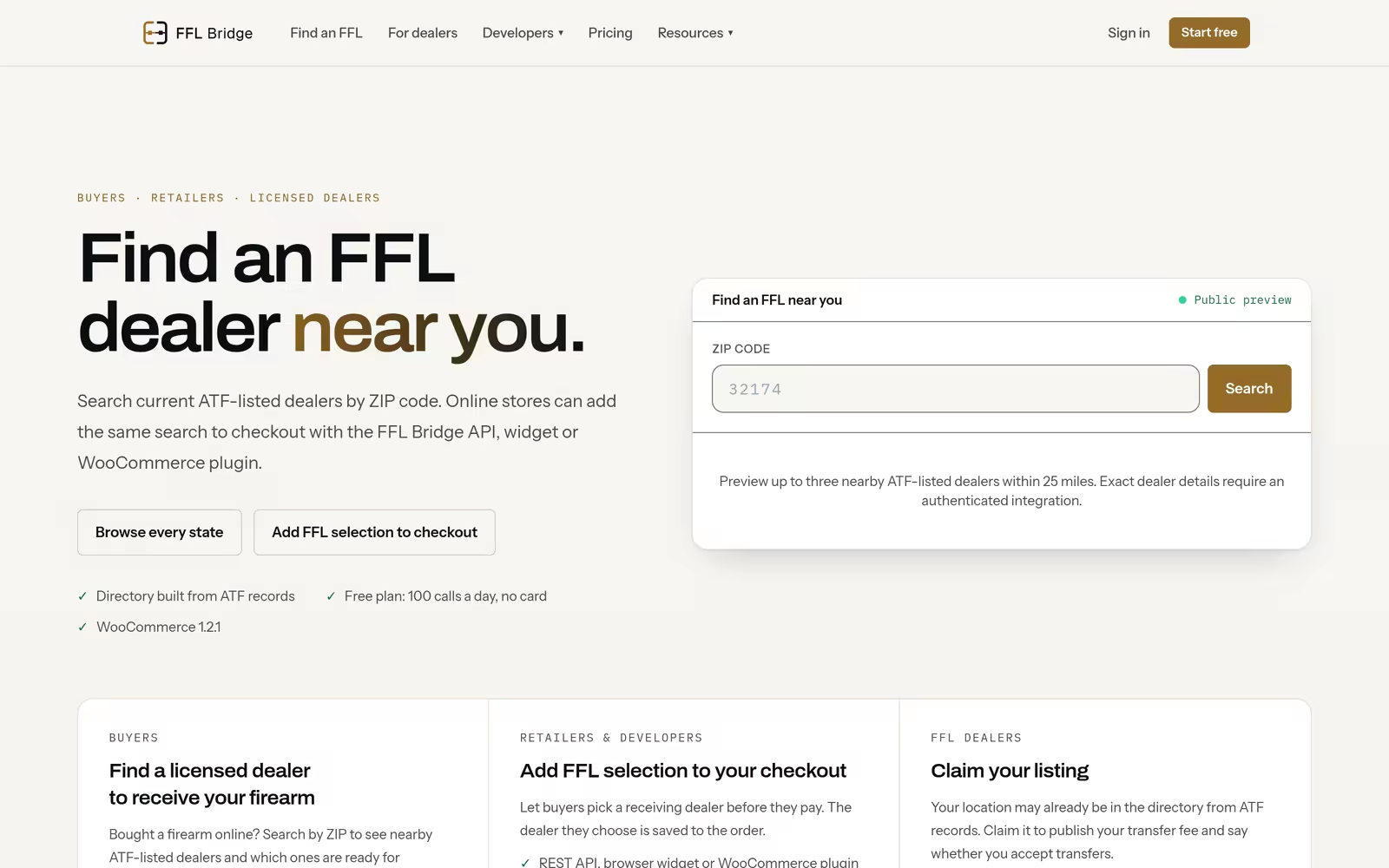
FFL Bridge / Modules
Three ways in. One dealer-selection layer.
Use the implementation path that fits the stack, then carry the selected dealer details into the order and fulfillment workflow.
- Module / 01
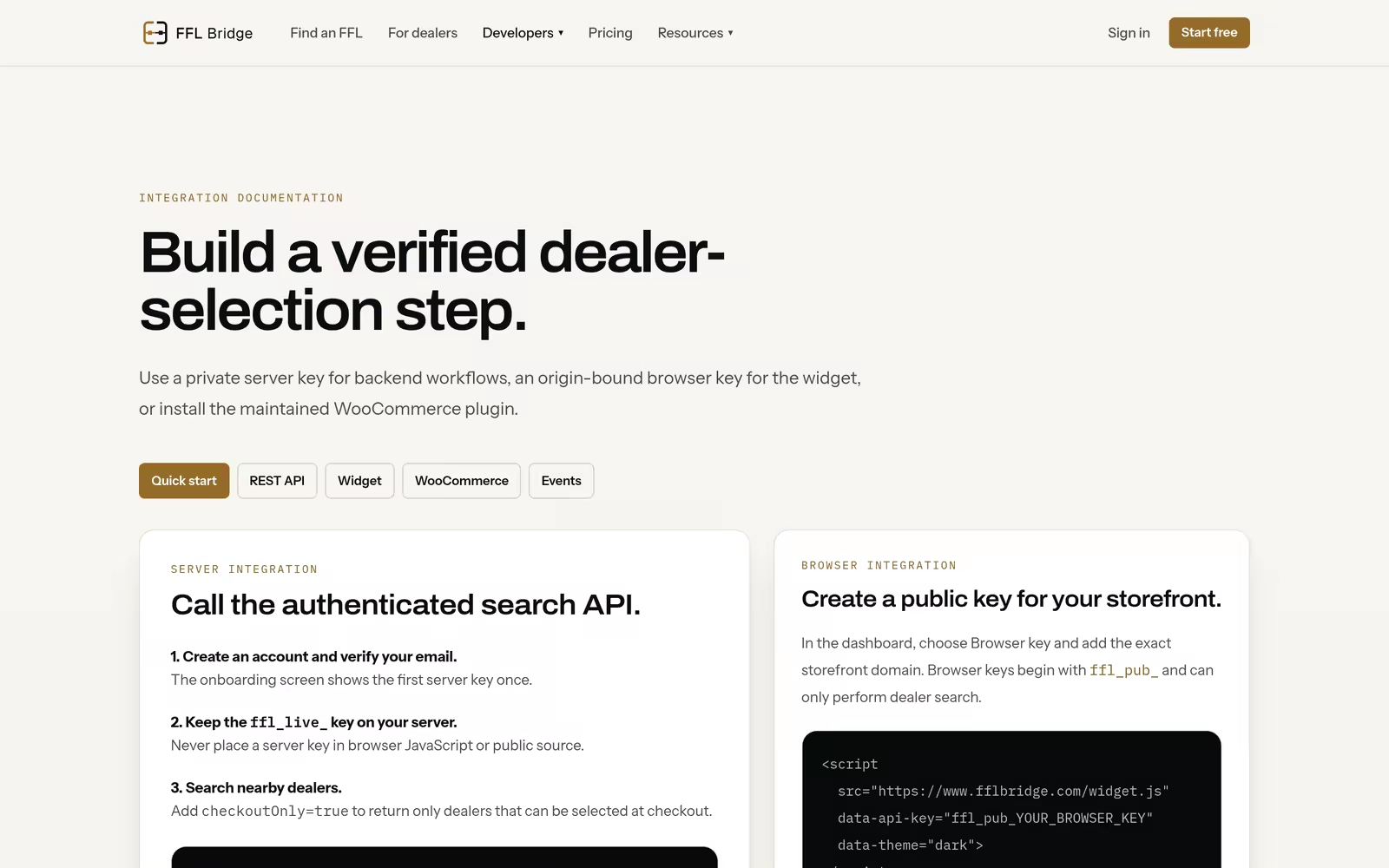
Dealer locator API
Power custom storefronts, dealer lookup pages and fulfillment tools with ZIP-based FFL search.
- Module / 02
Embeddable widget
Add an FFL selector to checkout so customers can search by ZIP code before completing a firearm order.
- Module / 03
WooCommerce plugin
Use the ready-made plugin when your storefront already runs on WooCommerce.
- Module / 04
Order and workflow data
Capture selected dealer details so fulfillment and customer communication stay organized.
- 01
Search
Customers begin with ZIP-based dealer lookup.
- 02
Select
A receiving FFL is chosen in the storefront flow.
- 03
Carry forward
Dealer details stay available for order and fulfillment work.
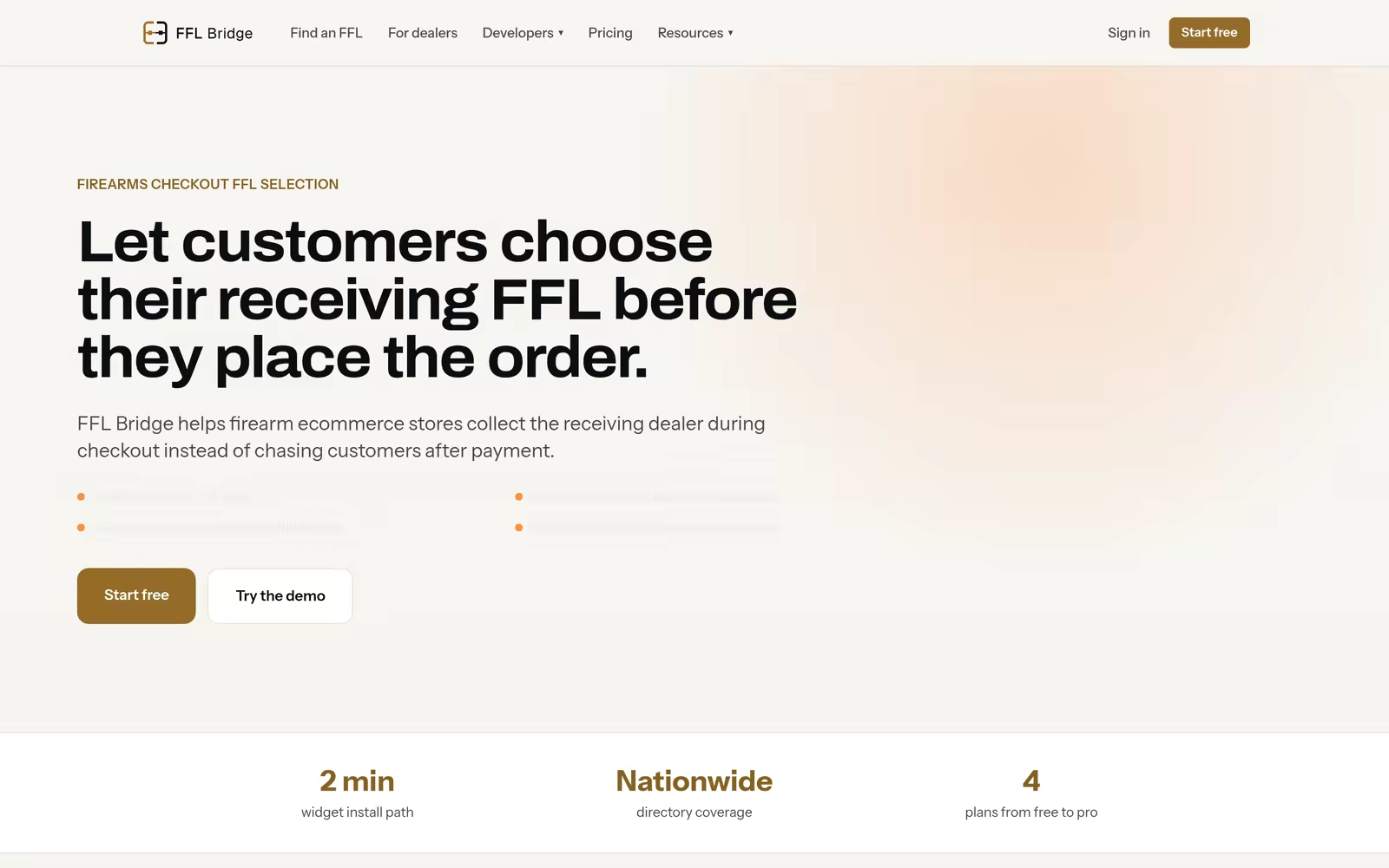


Focused products for FFL commerce.
Visit FFL Bridge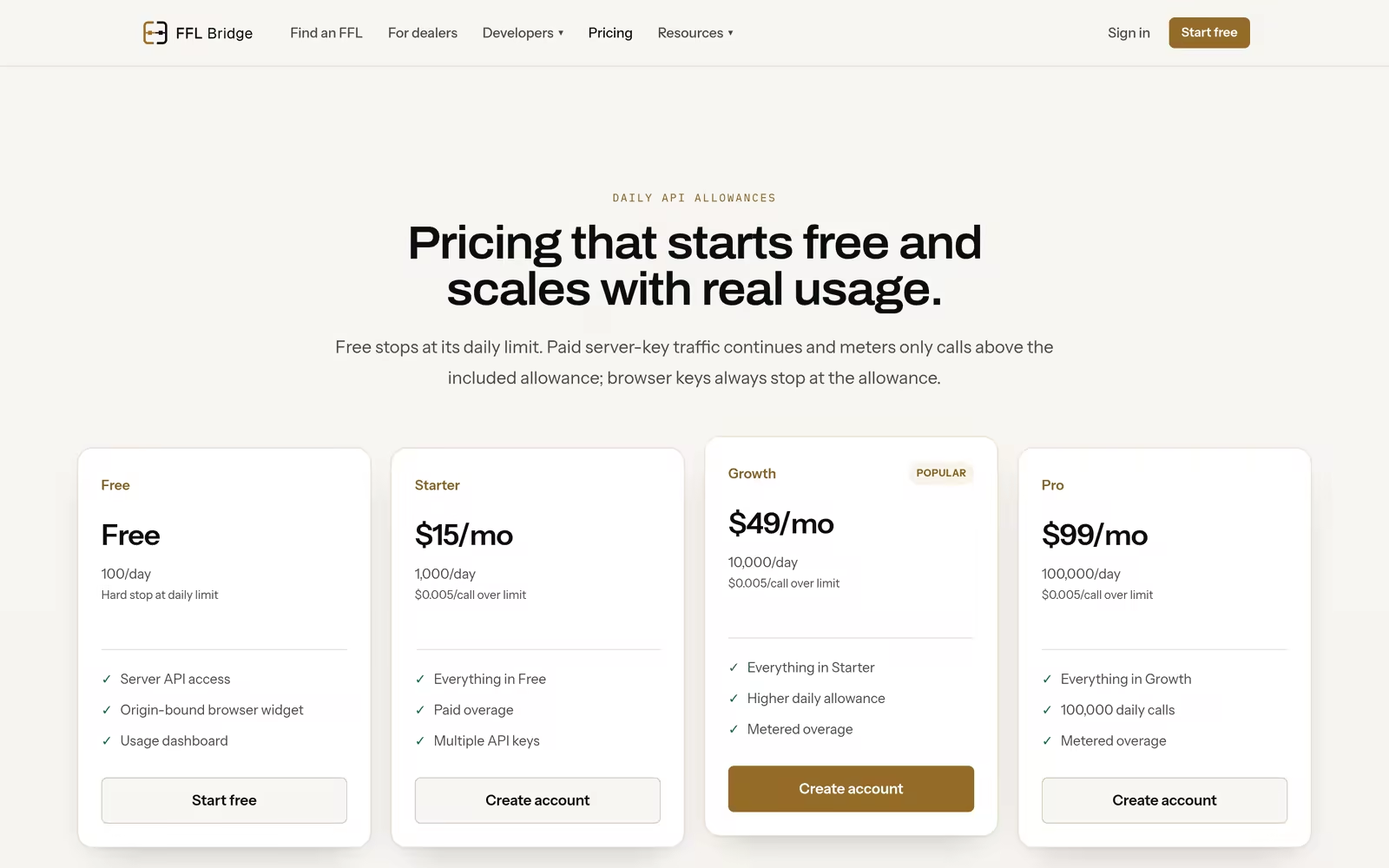
Start with FFL BridgeAdd dealer selection your way.Use the API for a custom flow, embed the widget, or take the ready-made WooCommerce path.Visit FFL BridgeEngineeringView API optionsSend the assembly context, expected loads and delivery target. We use it to shape the manufacturing path before release.View API options